How to Create Stunning 3D Puff Christmas Ornaments Using Sublimation Printing
As the holiday season approaches, many people look for creative and personalized ways to decorate their homes. One popular option is using 3D puff Christmas ornaments, which add a unique texture and dimension to traditional flat decorations. These ornaments are not only visually appealing but also offer an excellent opportunity to showcase your creativity through sublimation printing. In this article, we will explore how to create these eye-catching decorations using sublimation techniques and what you need to know before getting started.
What Are 3D Puff Christmas Ornaments?
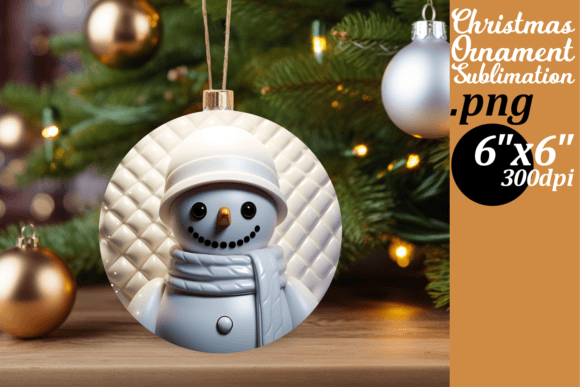
3D puff Christmas ornaments are decorative items that feature raised or textured surfaces, giving them a three-dimensional appearance. Unlike regular flat ornaments, these designs have a soft, puffy texture that adds depth and visual interest. They are commonly used in holiday decorations, home decor, and even as promotional items due to their tactile appeal and striking visuals.
These ornaments are typically made from materials like vinyl, plastic, or fabric, and they can be customized with various patterns, colors, and images. The key to creating high-quality 3D puff ornaments lies in the use of sublimation printing, a technique that allows for vibrant, long-lasting prints on different surfaces.
Understanding Sublimation Printing
Sublimation printing is a process that involves transferring ink onto a material using heat. Unlike traditional printing methods, sublimation doesn’t leave a layer of ink on the surface; instead, the ink turns into a gas and merges with the material at a molecular level. This results in a durable, vibrant print that won’t fade or crack over time.
To perform sublimation printing, you’ll need a few essential pieces of equipment: a sublimation printer, sublimation ink, heat press, and sublimation paper. Additionally, having the right software to design your artwork is crucial. You can use programs like Adobe Photoshop, Illustrator, or free alternatives such as Canva or GIMP to create your designs.
Why Choose Sublimation for 3D Puff Ornaments?
- Vibrant Colors: Sublimation allows for full-color printing, making it ideal for complex designs and photographs.
- Durability: The printed image becomes part of the material itself, ensuring it lasts longer without peeling or fading.
- Flexibility: You can print on a wide range of materials, including fabrics, plastics, and metals.
For 3D puff ornaments, sublimation offers the perfect combination of quality and versatility. Whether you’re looking to create custom gifts, sell handmade products, or simply enjoy the craft, sublimation ensures your designs stand out.
Getting Started with 3D Puff Ornament Sublimation
If you're new to sublimation, it’s important to understand the basics before purchasing any equipment or supplies. Here’s a step-by-step guide to help you get started:
- Research and Plan: Learn about sublimation printing, its pros and cons, and how it applies to 3D puff ornaments. Determine your budget and goals.
- Gather Equipment: Invest in a reliable sublimation printer, heat press, and sublimation paper. Ensure your printer is compatible with sublimation inks.
- Design Your Artwork: Use design software to create your ornament templates. Make sure your design is high-resolution (at least 300 DPI) and fits the size of your ornament.
- Print and Press: Print your design on sublimation paper and transfer it to the ornament using a heat press. Follow the manufacturer's instructions carefully for best results.
- Test and Refine: Create a few test prints to ensure your design looks good on the material. Adjust your settings if needed before producing larger batches.
By following these steps, you can confidently create stunning 3D puff Christmas ornaments that reflect your personal style and creativity.
Choosing the Right Templates for Sublimation
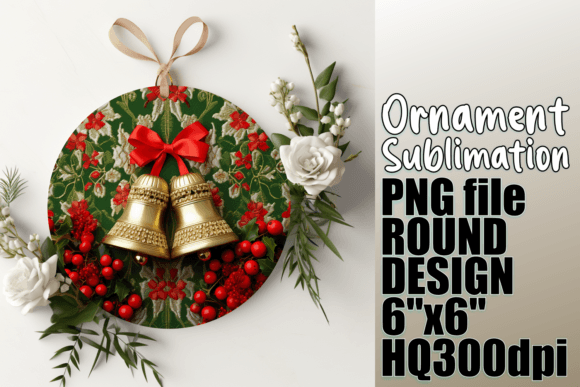
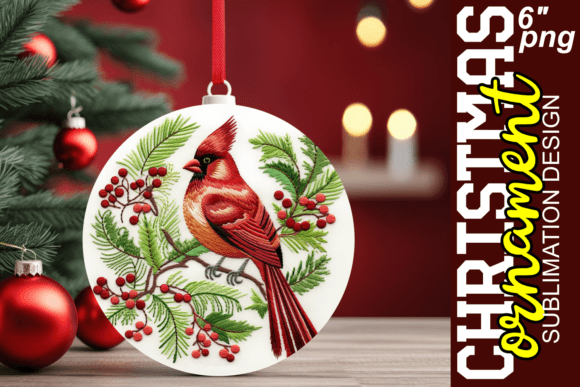
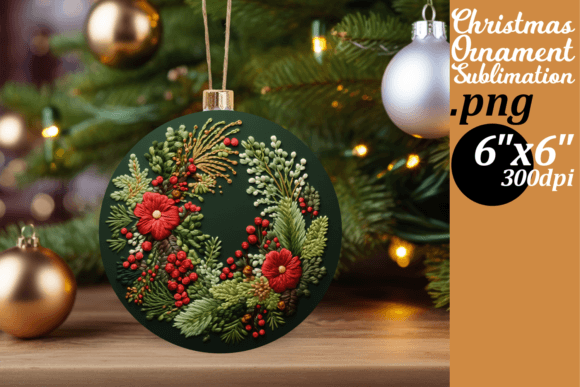
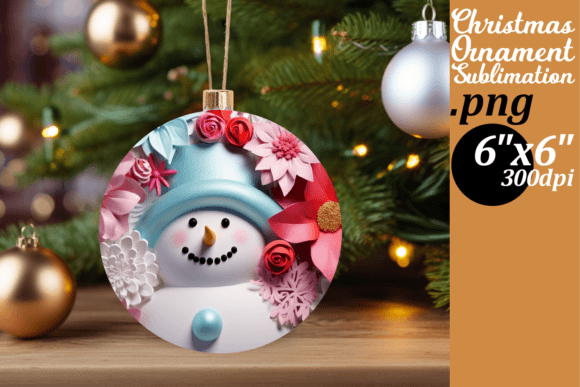
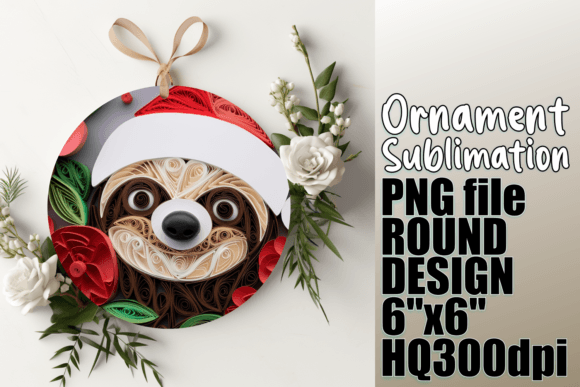
A key component of successful sublimation is using the right templates. When working with 3D puff ornaments, it’s essential to use designs that are specifically sized and formatted for your project. For example, a 6-inch x 6-inch round sublimation template is ideal for standard-sized ornaments.
Your download includes a PNG file designed for sublimation, which is high-resolution (300 DPI) and suitable for various sublimation projects. This file can be modified as needed to suit your preferences, allowing for greater flexibility in your designs.
When selecting templates, consider the following factors:
- Resolution: Ensure the image is at least 300 DPI for sharp, clear prints.
- Format: PNG files are preferred for sublimation because they support transparency and high quality.
- Size: Match the template size to your ornament dimensions to avoid distortion or misalignment.
Always double-check your template specifications before printing to ensure the best possible outcome.
Tips for Success in Sublimation Printing
Even with the right tools and templates, success in sublimation printing requires some trial and error. Here are a few tips to help you achieve professional-looking results:
- Use High-Quality Materials: Invest in quality sublimation inks and papers to ensure vibrant, long-lasting prints.
- Calibrate Your Printer: Regularly check and calibrate your printer to maintain consistent print quality.
- Pre-Treat Surfaces: Some materials may require pre-treatment to ensure proper ink adhesion. Always follow the manufacturer’s guidelines.
- Monitor Heat Settings: The temperature and pressure during pressing can greatly affect the final result. Experiment with different settings to find the optimal ones for your materials.
- Practice Makes Perfect: Don’t be discouraged by initial mistakes. Each print is an opportunity to learn and improve.
With patience and practice, you’ll soon be able to produce beautiful 3D puff Christmas ornaments that impress friends, family, and customers alike.
Common Mistakes to Avoid
While sublimation printing is a rewarding process, there are common pitfalls that beginners often encounter. Here are a few mistakes to avoid:
- Low-Resolution Images: Using low-quality images can result in blurry or pixelated prints. Always use high-resolution files (at least 300 DPI).
- Incompatible Files: Make sure your design files are in the correct format (e.g., PNG) and size for your project.
- Incorrect Heat Settings: Too much or too little heat can cause the ink to either burn or fail to transfer properly.
- Skipping Testing: Always test your prints before committing to large batches. This helps identify issues early on.
By being mindful of these potential errors, you can save time, money, and frustration while achieving better results.
Conclusion
Creating 3D puff Christmas ornaments using sublimation printing is a fun and rewarding way to express your creativity. With the right tools, templates, and knowledge, you can produce high-quality, personalized decorations that stand out. Remember to invest in quality equipment, use high-resolution templates, and experiment with different designs and settings to find what works best for you.
If you run into any issues or have questions about your templates, don’t hesitate to reach out for support. Happy crafting, and enjoy the festive season with beautifully decorated 3D puff ornaments!